Introduction:

- Pinterest is more than just a place to find ideas and images. It can also help individuals learn about products, evaluate options, and make purchasing decisions. This is an opportunity for affiliate marketers and website owners to convert Pinterest users into website visitors and potential customers.
- The key is to give people a clear idea of the differences between products, not to sell them a product. If comparisons are beneficial, readers are more likely to believe the content and take the step, and it must be clear and honest.
What is a Pinterest Product Comparison Strategy?

- A Pinterest product comparison strategy is a tactic for creating Pins that direct people to articles comparing two or more products. While the Pinterest Pin catches the eye, the website article provides the information readers need before deciding.
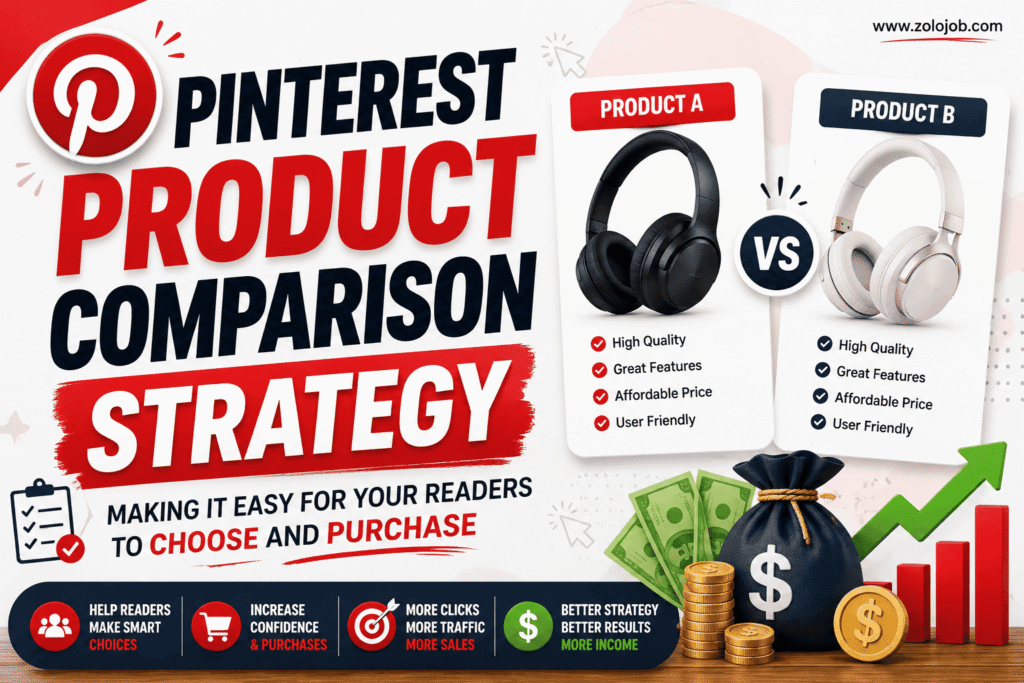
- For instance, a Pin might promote an article titled Best Budget Wireless Headphones: Product A vs. Product B. If someone wants to learn more about headphones, they can pin it and visit to see price differences, features, design, performance, and suitability.
- There’s no trick to it – it’s all about clicks. The intent is to bring consumers interested in a product category into the door and give them information that will enable them to make an informed decision.
Product comparisons are a great use for Pinterest:
- Pinterest is a popular place for users to look for ideas, inspiration, solutions and products. The person looking for home office accessories might not have an idea of exactly what they are looking for.
- It’s possible to cater to this type of search intent with comparison content by providing options in one spot.
- Questions like:
- What product is more suitable for the novice?
- What is valuable?
- Which of the products has some useful features?
- Which one would you want to use on a budget?
- What are the main differences?
- Which of the following products would be best for a buyer of this type?
- This is beneficial for comparison articles because the amount of research the reader has to do is reduced.
Start With Products People Are Already Comparing:

- People start their search by looking at products they know, so begin with what they already know.
- The first step is to select the products. Rather than picking random products, find those that address the same issue or fall into the same category.
- For example, you could compare:
- Two fitness trackers
- Two keyboards
- Two desk lamps
- Two kitchen appliances
- Two home-decor products
- Two online tools
- There are two kinds of travel accessories.
- The products should be similar and be like them enough to make a meaningful comparison, but not so much alike that readers have no basis for judging.
Determine Readers’ Buying Intent:
- Not all Pinterest users are ready to make a purchase. Some are gathering ideas, and others are actively researching what to buy.
- A comparison approach should aim at individuals who are more likely to be in the decision-making phase.
- Keywords and topics containing phrases such as “vs,” “best,” “comparison,” “review,” “which is better,” “alternatives,” and “for beginners” can indicate research intent.
- For instance, “home office ideas” is general and “best desk lamp for home office” is more product-oriented. A comparison article might be expanded to feature a topic like “LED Desk Lamp A versus Desk Lamp B – Which is better?”
Create a Clear Comparison and Contrast Framework:
- Product comparison is not a “random opinion” list! Follow the criteria for each product.
- Factors that are important to consider when comparing might be:
i. Price
- List the prices and discuss which product is the better value for money. The price is subject to change; readers are recommended to check the price before buying.
ii. Features
- Recognize key characteristics for each product. Do not provide all of the specifications if they will not assist the buyer in making a decision.
iii. Quality and Design
- Discuss construction, materials, appearance, usability and other relevant qualities. These factors can potentially come into play for products such as home, fashion, technology and lifestyle.
iv. Ease of Use
- Describe how easy it is to use/operate the product or if it needs knowledge, set-up, and maintenance.
v. Best Use Case
- Explain who each product is best suited for, when making a universal declaration of one product being better than the other.
- For instance, one option can be ideal for those who are on a tight budget while the other can be more suited for those who need the advanced features.
Make Pinterest Pins Based on Specific Comparison Questions:
- Each article can be created into various Pins. Each Pin should address one of the reasons consumers might want to make a comparison.
- Some possible pin angles are:
- Which is the better product – Product A or Product B?
- Which One Should You Buy?
- What is the best budget to compare?
- It is best to know about the 5 Differences You Should Know.
- Product Comparison Before You Buy.
- Which Product is More Value for Money?
- This is a way to approach a comparison article, where the search interest is directed at one without altering the information.
Consider Using Strong but Honest Pin Titles:
- The title of the Pin should convey what the reader will gain from reading it.
- Rather than a general name like “Amazing Products You Need, ” use a particular name like:
- Which Wireless Keyboard is better for Work A vs B?
- One specific title will draw in users who are interested in the comparison made.
- Never make claims that the article doesn’t back up. A click is not as valuable as trust, so focus on trust first.
Design Pins for Quick Understanding:
- Pinterest is very visual, so the design should convey the comparison in a fast and easy way.
- You can demonstrate a simple layout that will show:
- Product A VS Product B
- Here is a sample headline for the online news release:
- “Which Is Better for Your Home Office?”
- Take advantage of typography, clear product photos and sufficient spacing to ensure that the message is legible on mobile devices.
- The Pin should generate interest and curiosity but not deceive the reader of the article.
Arrange the Comparison Article to Be Easily Scanned:
- When your visitors visit your website, they shouldn’t need to read the article before figuring out the key differences.
- A handy template can feature:
- Short introduction
- Quick comparison table
- Product-by-product analysis
- Main advantages and disadvantages
- Product for various consumers
- Final recommendation
- Disclosure and purchase information for this affiliate site.
- A comparison table may be particularly helpful, as readers can compare and contrast key points before reading through the detailed sections.
Make Product Recommendations Based on Various Buyers:
- Don’t make all comparisons like this: “There’s this one product for everyone.
- Rather, provide customer suggestions.
- For example:
- Best for Budget: Product A
- Best for Features: Product B
- Best for Beginners: Product A
- Overall: Product B
- This way, it is easier to compare, as the reader is able to see which one suits their requirements.
Affiliate Links Should Be Used to Enhance Your Content:
- If you are using affiliate marketing on your site, ensure that the links are not placed in places that don’t make any sense.
- For instance, if you have described why a product might be appropriate for a customer, you can use a clear button or URL for the customer, for example, “Check Current Price.”
- Avoid overloading an article with links. The content can end up sounding like a sales pitch, with lots of promotional links.
- Always make it obvious when you have an affiliate relationship. Abide by affiliate marketing and advertising guidelines and regulations.
See How Your Strategy Is Playing Out:
- Data can provide insights into which comparisons are effective.
- Important metrics include:
- Pinterest impressions
- Saves
- Pin outbound clicks
- Website sessions
- Average engagement
- Affiliate link clicks
- Conversion rate
- Revenue per article
- Revenue per visitor
- For instance, a Pin might be seen by thousands of people, but not result in many website visits. This may mean that the image is grabbing the eye, but the clickable title or topic is not motivating the click.
- The other Pin can get impressions but more affiliate clicks. This may be a sign of commercialization.
Test Different Comparison Angles:
- Never assume that the initial version of a Pin will be the best. Try headlines, pictures, formats and comparisons.
- For instance, you can make Pins about:
- Which is best, A or B?
- “Five ways that A and B are different.”
- Then, make comparisons based on their performance over time.
- The goal of testing is to find the right mix of topic and the way it’s visually presented and worded to draw in quality visitors.
The Most Common Errors Are Demonstrated:
- Popular errors are shown.
- A Pinterest comparison strategy that has errors will be less effective.
- Don’t compare products without doing research first. Second, don’t claim quality or performance. Thirdly, please avoid ‘clickbait’ that leads to misleading information. Fourth, don’t neglect the needs of the readers when you are only concerned with commissions.
- One other frequent error is the lack of article updates in comparison articles. Certain product availability, specifications, features and product prices may be subject to change; important information should be reviewed periodically.
Final Thoughts:
- A successful Pinterest Product Comparison Strategy involves content, search intent, and usable product research and measurable performance data. The goal is to make readers want to purchase the expensive product. It’s to assist them in recognizing their options and selecting the one that’s most suitable for them.
- Website owners can use these functions to select their products, compare them all on a uniform basis, create Pinterest-specific Pins, organize articles easily, and monitor both clicks and conversions on their Pinterest pages, which will strengthen their Pinterest-to-website journey and help them earn affiliate sales.
Effective comparison content provides the reader with a simple question answer: “Which is best for me and why? If it is the answer that your content delivers, then Pinterest can serve as a source of qualified product research traffic and purchasing opportunities.